
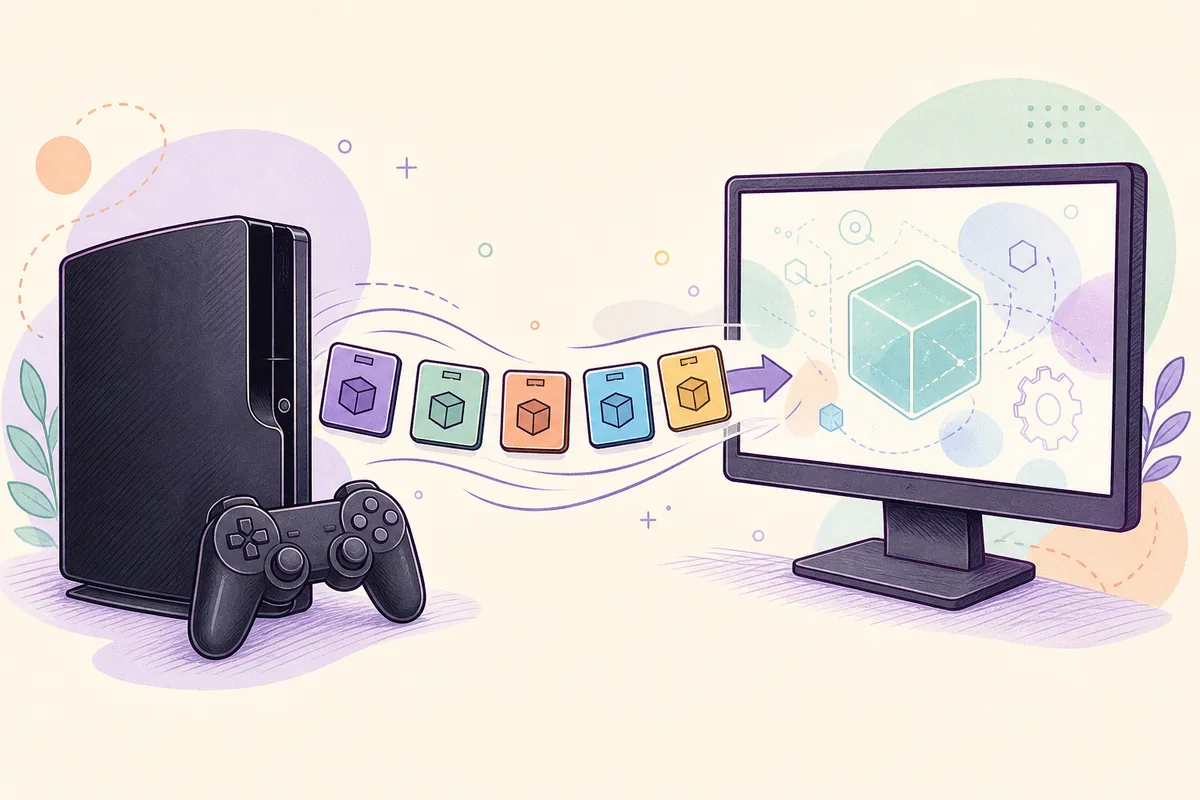
PS3 game updates are title-specific patches. They are not the same file as PS3 system software, and installing firmware 4.93 does not automatically update every game. On a working console, launch the game while connected to the internet and accept the update prompt when the publisher still serves a patch.
For RPCS3, use update packages obtained lawfully for the exact game title ID and region, then install them with the emulator's package installer in version order when multiple patches are required. Do not rename a mismatched package, substitute a firmware PUP, or trust random archives that cannot be traced to a legitimate source.
PS3 game updates are not system firmware
The word update is used for several different files, so identifying the target prevents most installation mistakes.
System firmware updates the PS3 operating environment and is distributed as PS3UPDAT.PUP. A game update changes one title: bug fixes, balance changes, compatibility data, online components, or downloadable-content support. Game saves and installed game data are separate again.
Sony's US update list still reported system software 4.9300 on July 23, 2026. The official PS3UPDAT.PUP responded with HTTP 200, MIME type application/x-ps3-update, and a size of 206,197,916 bytes. That verification confirms this site's firmware download, but it does not identify the latest patch for an individual game.
| File or feature | What it changes | Typical method |
|---|---|---|
| PS3 system firmware | Console operating system and security | System Update or PS3/UPDATE/PS3UPDAT.PUP |
| Game update / patch | One title and its installed game data | Launch prompt on PS3 or matching package in RPCS3 |
| Game save | Player progress and settings | Save Data Utility or your own backup |
| DLC / license data | Optional content and entitlement | Official account history or lawfully dumped content |
A PS3UPDAT.PUP file cannot replace a game patch, and a game update package cannot update the console firmware.
How to update a game on a physical PS3
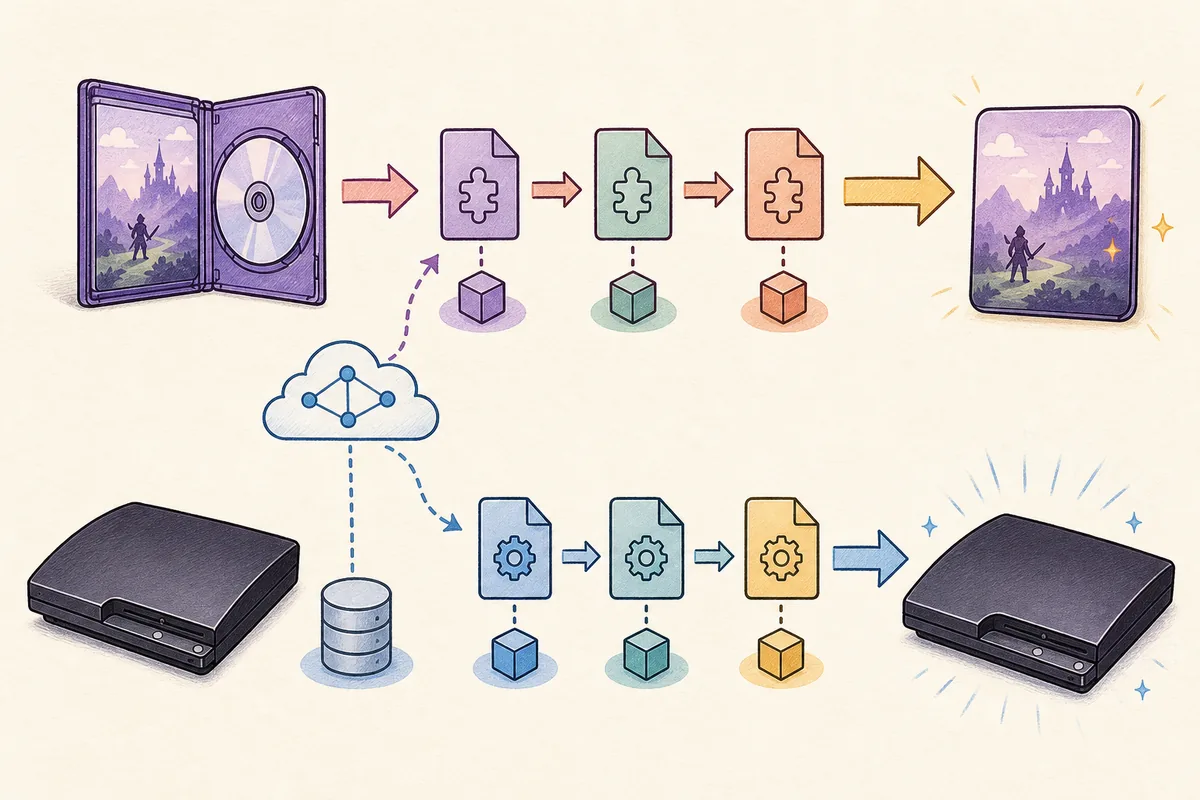
Use the console's normal title-update flow first. The running game supplies its own identity, which removes much of the region guesswork.
- 1
Confirm network and time settings
Connect the PS3 to the internet, verify date and time, and sign in when the title requires PlayStation Network. A Store purchase is not normally required just to check for a patch.
- 2
Insert or select the exact game
Start the disc or installed digital title. BLUS, BLES, BCUS, BCES, NPUB and NPEB variants can use different update packages.
- 3
Accept the update prompt
Review the version and required space, then let the console download and install it without powering off.
- 4
Restart and verify the version
Open the game's information or in-game version screen when available. Confirm that it launches and existing saves load.
What the 2026 PlayStation Store changes mean
Sony announced on July 1, 2026 that new PS3 and PS Vita Store purchases would end in regional phases beginning August 10, 2026, while previously purchased content would remain downloadable.
A Store purchase, a redownload from transaction history, and a title patch are different services. The announcement does not promise that every publisher's PS3 patch server will remain available forever, and it does not say that every patch disappears with storefront purchasing. Treat update availability as title- and publisher-specific.
Before changing a working installation, record the game title ID, current version and ownership source. If the console can still retrieve the patch directly, that is preferable to an unidentified mirror. If it cannot, do not assume a similarly named file from another region is interchangeable.
The Store announcement concerns new purchases. It should not be used as proof that a specific game's update server is online or offline.
How to install PS3 game updates in RPCS3
RPCS3 needs a lawful update package that matches the installed game's title ID. The emulator update, PS3 firmware and game patches are three separate maintenance tasks.
- 1
Update RPCS3 first
Use the emulator's official update path so current package handling and compatibility fixes are present.
- 2
Check the game title ID
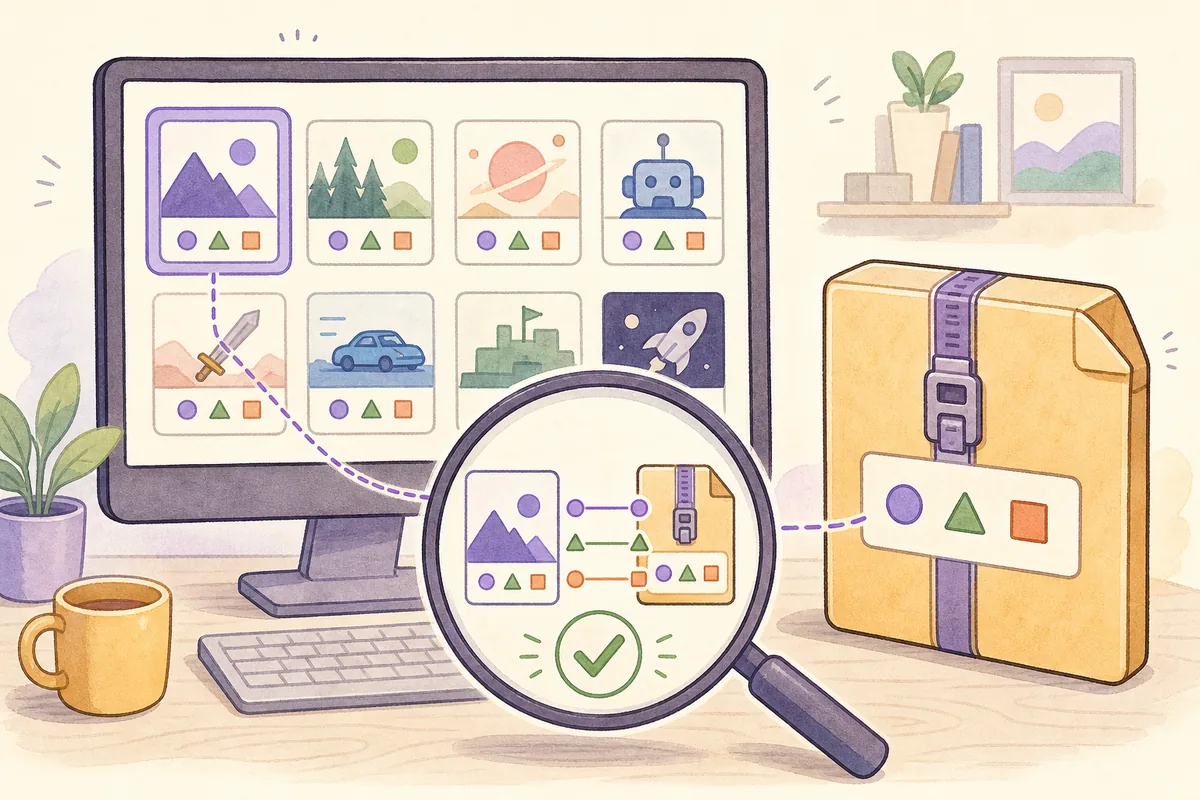
Read the title ID in the game list or game files and compare every character with the update package. Region and release family must match.
- 3
Keep multi-part updates in order
Some games use cumulative patches; others require earlier packages. Follow reliable title documentation and install required versions from oldest to newest.
- 4
Install the package
Use File > Install Packages/Raps/Edats for a lawfully obtained PKG, wait for completion, and do not unpack or rename the file to bypass a mismatch.
- 5
Confirm the applied version
Refresh the game list, inspect the displayed version, boot the title, and review the RPCS3 log if the package is rejected or the game regresses.
Match title ID, region and update chain
Most apparent bad-update files are actually the wrong release family or an incomplete patch sequence.
A game's marketing name is not precise enough. Disc and digital releases can have different IDs, and a complete edition or bundle may not share updates with the original release. Compare the exact ID, not only the game title or cover language.
Do not force an install by renaming package files. A successful import does not guarantee compatibility if metadata, dependencies or DLC expect another edition. Keep a backup of working game data before testing a new chain.
| Check | Good evidence | Warning sign |
|---|---|---|
| Title ID | Exact match such as BLUS to BLUS | Same name but BLES/NPUB/NPEB mismatch |
| Version order | Documented cumulative patch or complete chain | Installing only the newest-looking file |
| Source | Your console, account history or lawful dump | Anonymous archive without title ID or region |
| Result | Version changes and game boots with saves | Package imports but data becomes corrupt |
Fix common PS3 game update problems
Diagnose identity, storage and network issues before replacing files.
- No update prompt: confirm the console is online, the game is actually launched, and the publisher still serves a patch for that title ID.
- Not enough space: free space on the internal drive; download and installation can temporarily need more room than the final patch.
- RPCS3 rejects the PKG: verify the file is a game update, not firmware, DLC or a different region, then read the emulator log.
- The game worked before the update: restore the known-working game-data backup and rebuild the required update chain carefully.
- Online mode still fails: a title patch cannot restore a retired multiplayer server or bypass account and service requirements.
- The file appears suspicious: stop. Do not run unrelated executables, password-protected installers or universal-patch claims.
Keep save data backups separate from installed game data. Troubleshooting a patch should not begin by deleting irreplaceable saves.
Where to get PS3 game updates safely
This guide explains the workflow but does not mirror copyrighted game packages or promise a universal download database.
Prefer the update prompt on your own PS3, your legitimate account history, publisher services that still operate, or packages you lawfully obtained from hardware and content you own. RPCS3 documentation can help identify the correct title and expected behavior, but it is not permission to download copyrighted games or DLC.
Avoid pages that bundle updates with games, keys, cracks, custom firmware or executable download managers. A useful source identifies title ID, region, version, dependency order and file type. Hashes improve integrity checking, but a matching hash alone does not establish a right to use the file.