Use this PS3 firmware 4.93 download to get Sony's official PS3UPDAT.PUP. The source URL, byte size, release timestamp, MD5, and SHA-256 on this page were verified from Sony's US update infrastructure on July 13, 2026.
Released March 18, 2026Verified 2026-07-13
Verified file facts
Verified PS3 firmware 4.93 file details
Sony's live US update list identifies the current system software as 4.9300 and points to a PS3UPDAT.PUP package under a March 18, 2026 release path. We downloaded the complete file from that Sony endpoint, confirmed that the server supports byte-range requests, and calculated both SHA-256 and MD5 locally. The verified package contains exactly 206,197,916 bytes, which is approximately 196.65 MiB.
File size and required free space are different measurements. The download itself is about 196.65 MiB, while Sony says the update process needs at least 200 MB available on the PS3 hard drive or removable storage. Keep more than the minimum free when possible, and do not begin an update if the console has storage errors or unstable power.
The official filename is PS3UPDAT.PUP. A browser may append a duplicate suffix when an older copy already exists, producing names such as PS3UPDAT (1).PUP. RPCS3 can usually browse to any local PUP filename, but a physical PS3 expects the exact uppercase name in the correct folder. Rename the new verified file only after confirming you are not mixing it with an older version.
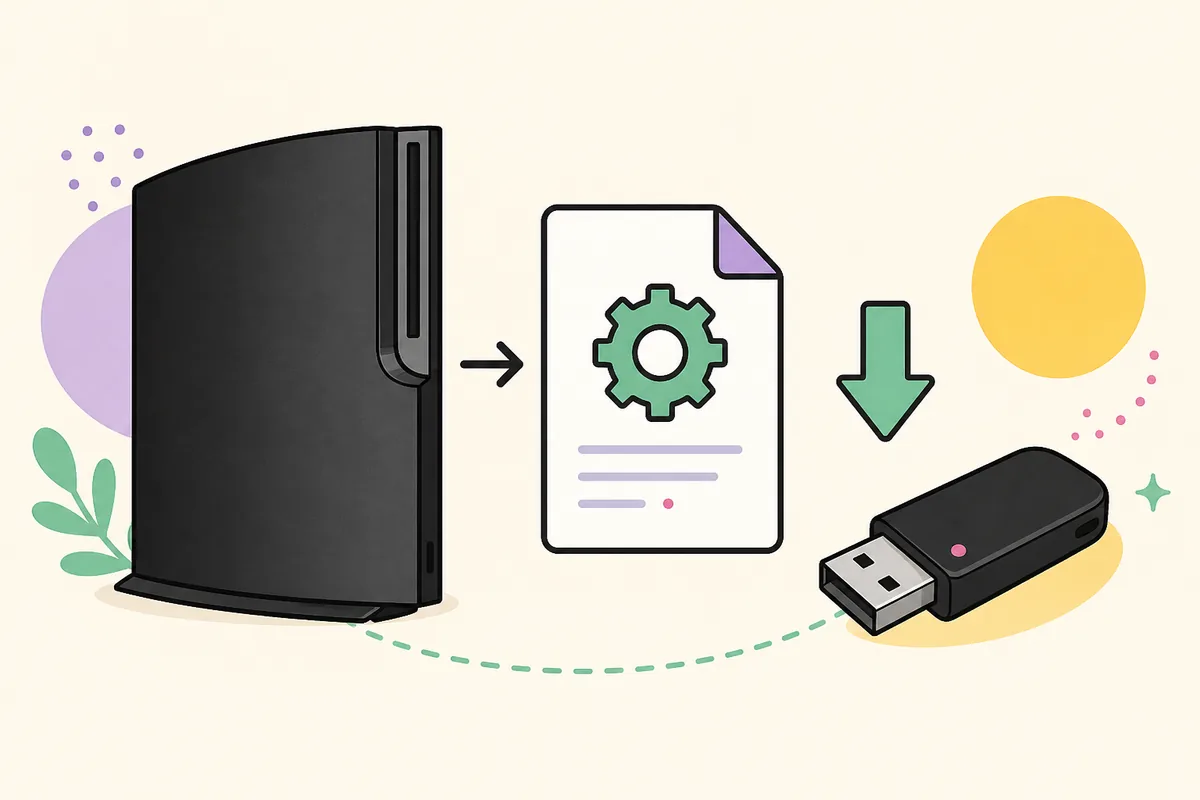
Illustration of the PS3 firmware transfer workflow. The download itself comes from Sony's PS3 update server; this artwork is independent and non-official.
Choose the destination
Install PS3 firmware 4.93 on the right device
The PUP is the same for a PS3 console and RPCS3, but the installation instructions are not. A console reads the update through its system menu or Safe Mode. RPCS3 imports and extracts the PUP from its desktop menu. Choose one workflow and keep the package unchanged until that workflow asks for it.
Physical PS3 console
Prepare FAT32 removable storage, create the uppercase folders, and place PS3UPDAT.PUP at the exact path before opening System Update.
Sony's public PS3 system software page uses its standard maintenance language for modern PS3 updates: the update improves system performance. The company does not publish a detailed component-by-component changelog for every certificate, security list, or internal module included in the package. Avoid articles that claim precise hidden changes without a first-party release note or reproducible analysis.
For normal console owners, the practical effect is continued access to the current system software expected by Sony's network services and newer Blu-ray encryption material when applicable. For RPCS3 users, installing the newest official PUP supplies the current firmware modules recognized by the emulator. It does not update RPCS3 itself; install current emulator builds separately from the official RPCS3 project.
Version 4.93 is a full official update rather than a hybrid or custom package. Installing it on a physical console may affect homebrew or modification workflows, so users who intentionally maintain a modified system should research device-specific compatibility before accepting any official update. This site does not provide a bypass recommendation because the correct decision depends on the console and installed modification.
The main PS3 firmware download on this page is official OFW. It is not HFW, CFW, NoBD firmware, a jailbreak, a BIOS, or a game file.
How to verify the PS3UPDAT.PUP checksum
A checksum is a reproducible fingerprint of the file bytes. Run the command after the download finishes, not while the browser still shows a temporary or partial file. The result must match the full 64-character SHA-256 value shown above. Letter case does not matter, but every hexadecimal character does.
If the hash does not match, delete the local file and download it again from the verified source. Do not solve a mismatch by renaming the file, extracting it, or trusting that the sizes look close. Different bytes produce a different checksum, even when two files share the same display name and rounded megabyte size.
Windows includes CertUtil, while macOS and most Linux distributions include shasum or sha256sum. These commands read the local file only. They do not upload the firmware or change its contents. Keep the resulting checksum with your notes if you maintain multiple firmware packages so version files cannot be confused later.
Windowscertutil -hashfile PS3UPDAT.PUP SHA256
macOSshasum -a 256 PS3UPDAT.PUP
Linuxsha256sum PS3UPDAT.PUP
Quick answers
PS3 firmware 4.93 FAQ
Is this PS3 firmware 4.93 download the latest official version?
Yes, according to Sony's US PS3 update list checked on July 13, 2026. The list reports system software 4.9300 and a full update package dated March 18, 2026. The verification date matters because a later Sony release would replace it as latest.
How large is PS3UPDAT.PUP 4.93?
The verified US 4.93 package is exactly 206,197,916 bytes, approximately 196.65 MiB. Sony separately requires at least 200 MB of free storage for the update process. Do not use the rounded free-space requirement as the exact file size.
What is the SHA-256 for PS3 firmware 4.93?
The SHA-256 calculated from the complete Sony-hosted US PS3UPDAT.PUP is 158471fd834f8ea8036136b6aab43cd86c7ba73d79ca30e0af3c0fe0001cf365. Recalculate it on your own downloaded file before installation.
Can firmware 4.93 be installed in RPCS3?
Yes. Open RPCS3, choose File > Install Firmware, select the verified PS3UPDAT.PUP, and let RPCS3 extract the required modules. The PUP is system software, not a game and not a separately named BIOS package.
Can I update a PS3 to 4.93 from USB?
Yes. Use a FAT32 MBR drive, create PS3/UPDATE at the root, copy the file as PS3UPDAT.PUP, connect the drive, and choose Update via Storage Media. Safe Mode can provide another update path when the normal menu cannot complete.
Can I install 4.93 on a modified PS3?
An official update can change or remove modification compatibility. Do not assume it is safe for a CFW or HEN workflow merely because it is an official file. Check current device-specific guidance from the modification project you use before updating.
Why does the official download use HTTP?
Sony's legacy PS3 update list and package endpoint are served through an older HTTP infrastructure in the verified US data. That is why this page publishes exact hashes and byte size. Verify the completed PUP before installing it.