
PS3 error code 8002F1F9 is commonly encountered around a failed system-software update or a repeating update loop. Public repair references often associate it with a console initialization problem, sometimes involving the wireless or other update-dependent hardware, but the code does not prove one failed part. A wrong PUP, bad USB layout, failing internal drive, damaged peripheral, or model-specific compatibility issue can produce a similar stopping point.
Start with the least destructive checks: record the exact CECH model, the percentage where the update stops, the on-screen message, and whether the console can still reach the XMB or Safe Mode. Then verify the official 4.93 PS3UPDAT.PUP, its byte size and SHA-256, the FAT32/MBR USB layout, and the internal storage. If the same code returns with a verified file and known-good storage, or the console cannot stay powered long enough to recover, stop repeating firmware attempts and seek model-specific hardware diagnosis.
What PS3 error code 8002F1F9 can suggest
Sony's public consumer support pages explain the normal PS3 system-software update process, but they do not provide a complete public service-manual interpretation for every low-level error value. Community repair documentation therefore has to be read as evidence and working theory. The useful question is not only “what does 8002F1F9 mean?” but also “at which stage does it appear, on which model, and what else changed at the same time?”
When the code appears during an update loop, it may point away from a simple browser download problem and toward something the console must initialize while validating or installing system software. Wireless or Bluetooth-related faults are frequently discussed in community reports, but storage, connectors, power instability, optical-drive dependencies, corrosion, and board-level faults can change the diagnosis. Do not turn a community association into a guaranteed replacement instruction.
Keep user-facing updater messages, Safe Mode behavior, flashing-light symptoms, and SYScon history as separate evidence streams. They can support one another, but they are not interchangeable names for the same fault.
Treat 8002F1F9 as a diagnostic lead. Do not order a wireless module, power supply, drive, or motherboard part from one code alone.
Record the console evidence before another retry
A short evidence sheet prevents a repeatable failure from turning into a guessing game.
- 1
Write down the exact model
Record the CECH model from the console label. Fat, Slim, and Super Slim families use different boards and peripherals, so a repair note for one model may not transfer to another.
- 2
Capture the failure stage
Note the percentage, on-screen wording, beep or light behavior, and whether the console reaches the XMB, Safe Mode, or neither. A stop before video is different from a stop after package validation.
- 3
Preserve the update context
Record where the PUP came from, how it was copied, the USB file system and partition style, the internal-drive history, and any recent repair, power event, or firmware change.
- 4
Save existing data first
If the XMB still works, back up saves and important data before choosing a recovery action. Do not use a destructive format or restore option merely because an update failed.
- 5
Separate safe checks from board work
Hash verification, cable checks, USB preparation, storage tests, and official Safe Mode options are not the same as opening the console, probing live rails, soldering, or attaching a serial interface.
Verify the firmware and USB path before blaming hardware
The current official package recorded by this site is PS3 system software 4.93, also represented as 4.9300 in Sony's update metadata. The complete PS3UPDAT.PUP is 206,197,916 bytes and its published SHA-256 is 158471fd834f8ea8036136b6aab43cd86c7ba73d79ca30e0af3c0fe0001cf365. Compare the local file against those facts instead of trusting a rounded “196 MB” label or a mirror filename.
For an offline console update, use a simple FAT32 MBR USB drive and the exact root path PS3/UPDATE/PS3UPDAT.PUP. Test a direct USB port, avoid a hub, check that the file is not PS3UPDAT.PUP.PUP, and confirm the console can read the drive. If the normal XMB cannot finish the update, Safe Mode can provide another official System Update path, but it does not bypass a bad file, incompatible storage, or a hardware dependency.
Do not use NoBD, NoBT, HFW, or CFW packages as generic error-code fixes. They are specialized modified or model-dependent workflows, not a universal substitute for Sony's official package.
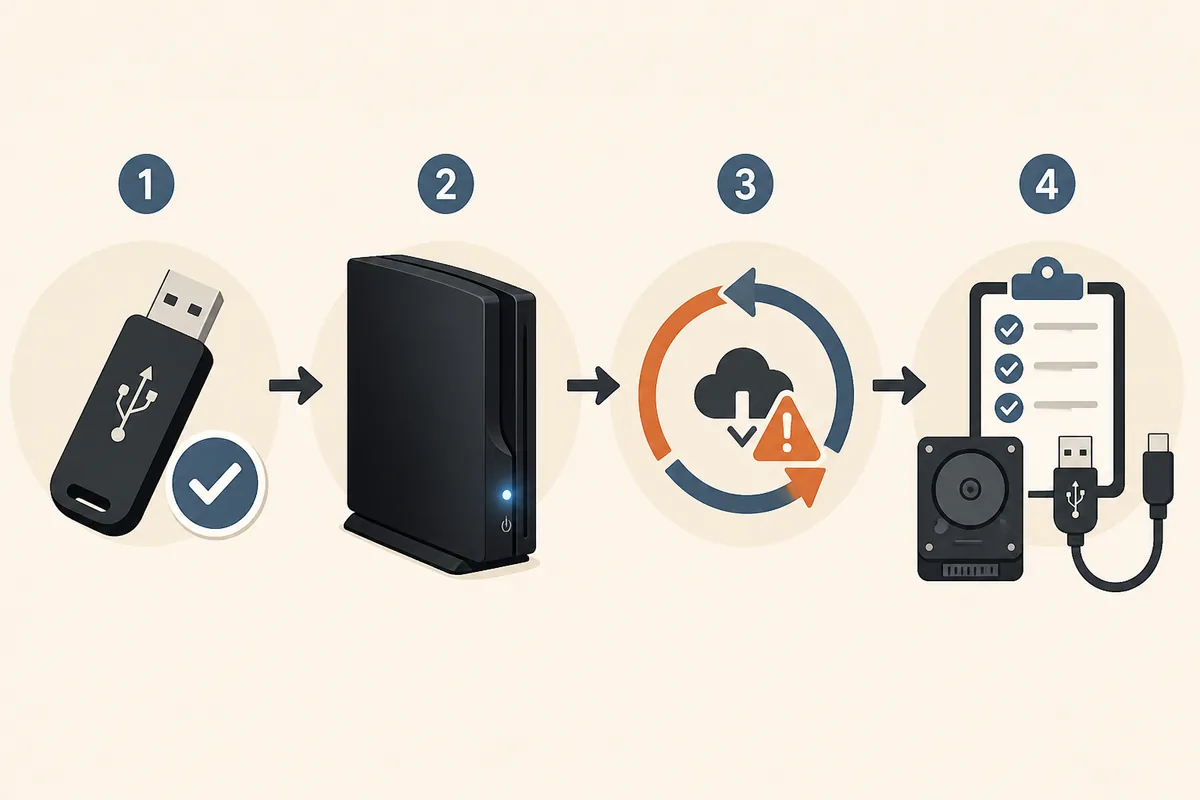
Use the failure pattern to choose the next test
| Observed evidence | Reasonable next step | Do not conclude yet |
|---|---|---|
| The PUP hash or byte size does not match | Download the official file again and verify it before copying | That the console has a hardware fault |
| The USB is not detected or the path is wrong | Rebuild FAT32/MBR and PS3/UPDATE/PS3UPDAT.PUP on a known-good drive | That 8002F1F9 identifies a failed module |
| A verified PUP reaches the same percentage every time | Record model, percentage, storage state, and peripherals; compare with repair evidence | That another random PUP will solve it |
| The internal drive disappears, clicks, or fails independent checks | Test or replace storage, then use the official reinstall workflow | That storage explains every low-level error |
| The console shuts off before XMB or Safe Mode | Stop repeated update attempts and seek qualified hardware diagnosis | That an online code list replaces measurement |
When the problem may be storage, a peripheral, or the board
A new or failing hard drive can make an update appear to be a firmware problem. Repeated corruption, a missing drive, clicking sounds, or independent computer health failures are concrete reasons to inspect storage before speculating about the board. A replacement drive still needs the correct official system software and USB layout, and it cannot repair a damaged power, wireless, optical, or motherboard circuit.
A peripheral dependency can also matter during installation. Community repair notes discuss wireless and Bluetooth-related failures around 8002F1F9, but the exact behavior depends on the PS3 family, board revision, prior modifications, and the moment the update stops. Check connectors, recent repairs, liquid exposure, surge events, and known-good external cables without opening a powered console.
If a verified PUP, known-good USB, and healthy storage all produce the same model-specific loop, the remaining work is no longer a download tutorial. Preserve the evidence and move to a repair source that can distinguish a module, regulator, connector, control signal, or board fault.
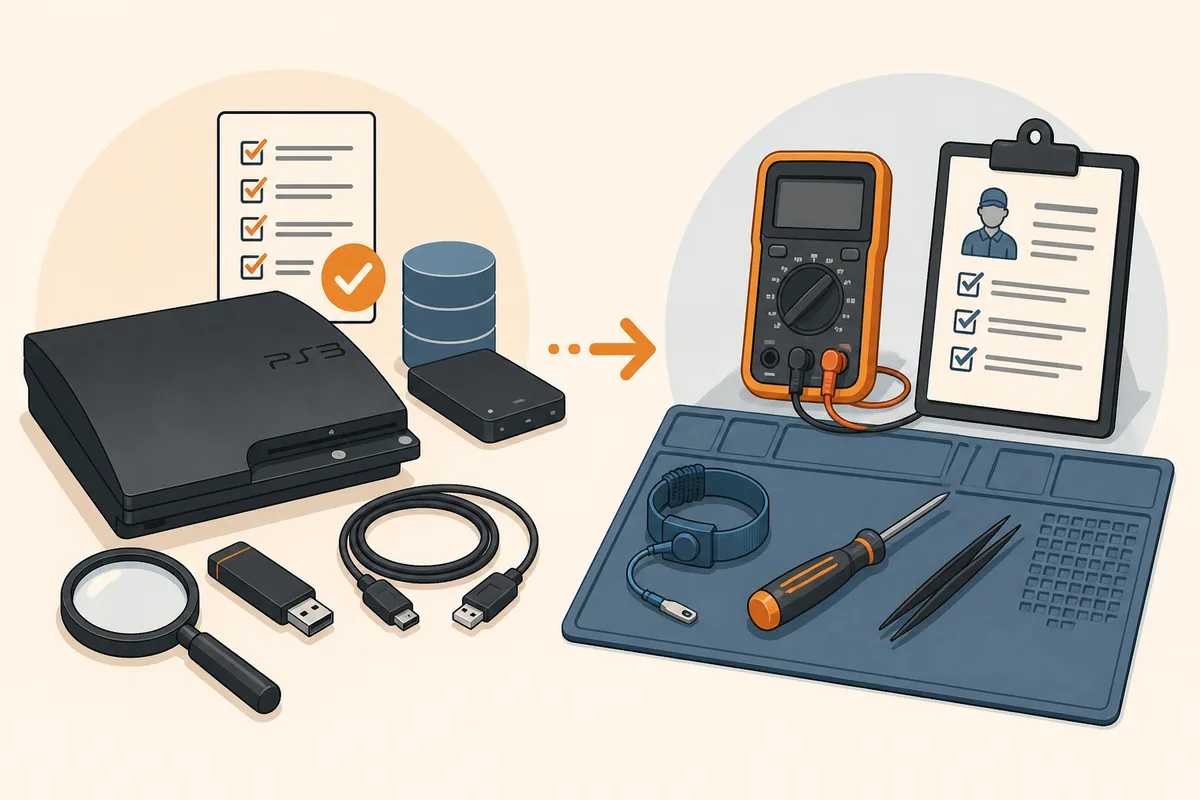
Safe Mode and the point where you should stop
Use Safe Mode only when the console can remain powered and the controller can connect through a USB data cable. Choose the least destructive option that matches the symptom. A recovery System Update may help when XMB is unavailable, while file-system repair or database rebuilding addresses different problems. A full restore erases data and is not a general fix for 8002F1F9.
Stop retrying when the code returns at the same stage after a verified package, the console loses power, the drive is failing, or the update process is changing the state without a recoverable path. Repeated power cuts can increase data loss and make later diagnosis harder.
- Back up saves and preserve the raw error details before destructive recovery options.
- Do not probe a powered board or solder a module without model-specific training and equipment.
- Do not present a community code table as an official Sony diagnosis.
- Use the PS3 SYScon guide when you have a log, but keep its lower-level evidence separate from the updater code.
- Ask a qualified repairer for the next measurement, not just a list of parts to replace.
Common mistakes when fixing 8002F1F9
The first mistake is treating the error value as a one-line answer. A code can describe the stage that reported a problem while the root cause sits in storage, power, a connector, a dependent peripheral, or the board. The second mistake is changing several parts at once. That removes evidence and can create a second fault that looks like the first one.
The third mistake is mixing official firmware with modified packages. NoBD and NoBT packages may be appropriate in narrow custom-firmware repair workflows, but installing one on an unverified model is not a safe general recommendation. The fourth mistake is assuming that a successful download proves compatibility. The checksum proves file identity; it does not prove the console's hardware or modification state can accept the update.
The fifth mistake is ignoring the chronology. A code that appeared after a drive replacement, liquid exposure, power surge, or prior board repair needs a different investigation from a first-time failure on an otherwise stable console.
Limits of online PS3 error-code explanations
The public descriptions for low-level PS3 codes come largely from community research, repair logs, and model-specific measurements rather than a complete consumer service manual. Definitions can change as new board revisions and measurements are documented. A page that names one component without the model, failure timing, repeated evidence, and a test method should be treated cautiously.
This guide is designed to prevent avoidable file, USB, storage, and recovery mistakes. It is not a board-repair procedure and it cannot confirm the cause of an individual 8002F1F9 case remotely. Keep uncertainty visible, preserve the raw evidence, and choose a professional path when the next step involves live electrical testing, soldering, or irreplaceable data.