If the XMB still works, open Settings > System Settings > Restore PS3 System. Choose Quick Format for a normal personal reset or Full Format when you are transferring the console and can wait much longer.
If the menu will not load, enter PS3 Safe Mode and choose option 5, Restore PS3 System. Do not confuse it with Restore Default Settings, which changes settings but does not perform the same full data erase.
Back up before resetting
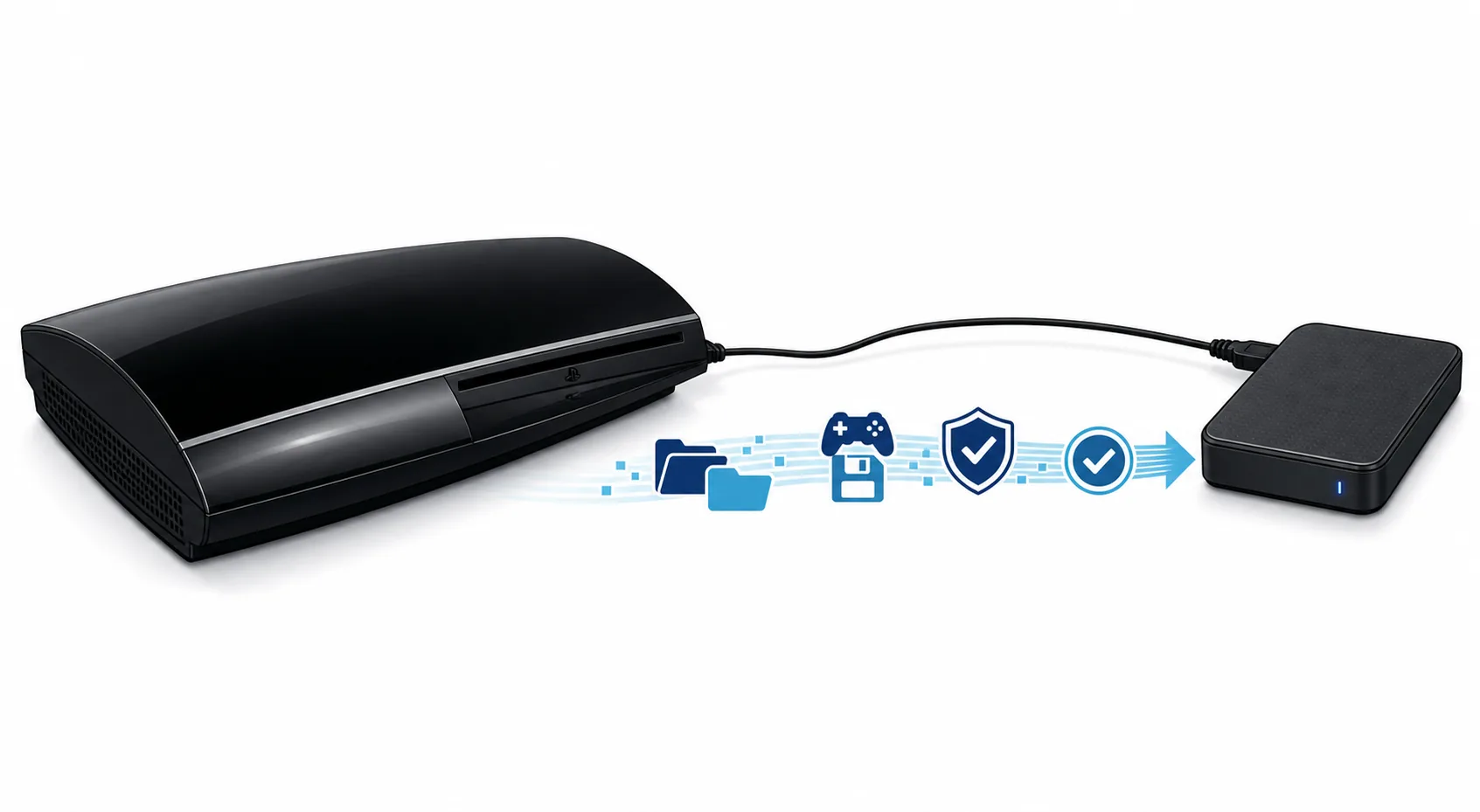
Copy irreplaceable saves, photos, videos, and account details first. A reset cannot reconstruct data that exists only on the internal drive.
- 1
Sync or copy saves
Use cloud storage if your account supports it, or copy compatible saved data to USB. Some protected saves cannot be copied normally.
- 2
Use Backup Utility
Connect a FAT32 USB drive with enough free space, then open Settings > System Settings > Backup Utility > Back Up.
- 3
Record account details
Write down the sign-in email, device activation needs, network settings, and any two-step verification recovery information.
- 4
Disconnect extra storage
After the backup finishes, safely remove USB drives that should not be formatted by mistake.
Choose the correct reset option
PS3 menus contain similarly named commands. Their effects are not interchangeable.
| Option | Effect | Use |
|---|---|---|
| Restore Default Settings | Resets system, network, display, audio, and related settings | Keeps most user content; use for configuration problems |
| Restore File System | Checks and repairs file-system damage | May repair boot or corruption issues; not a factory reset |
| Rebuild Database | Recreates the content database | Can change ordering or remove broken metadata; not a full erase |
| Restore PS3 System | Formats the system storage and returns the console to setup | Deletes local data; use only after backup |
Restore PS3 System is destructive. This guide cannot guarantee recovery of encrypted, protected, corrupted, or unsynced data.
Factory reset from the XMB menu
Use this path when the console reaches the normal home menu and the controller works reliably.
- 1
Open System Settings
From the XMB, go to Settings, then System Settings.
- 2
Select Restore PS3 System
Read the deletion warning carefully and continue only when backups are complete.
- 3
Choose a format type
Quick Format is faster and suitable for most troubleshooting. Full Format overwrites the storage more thoroughly and may take many hours.
- 4
Keep power connected
Do not switch off the console or disconnect power while formatting is in progress.
- 5
Complete initial setup
Choose language, date, display, network, and account settings when the PS3 restarts.
Factory reset from PS3 Safe Mode
Use Safe Mode only when the XMB cannot start or the normal reset route is unavailable.
- 1
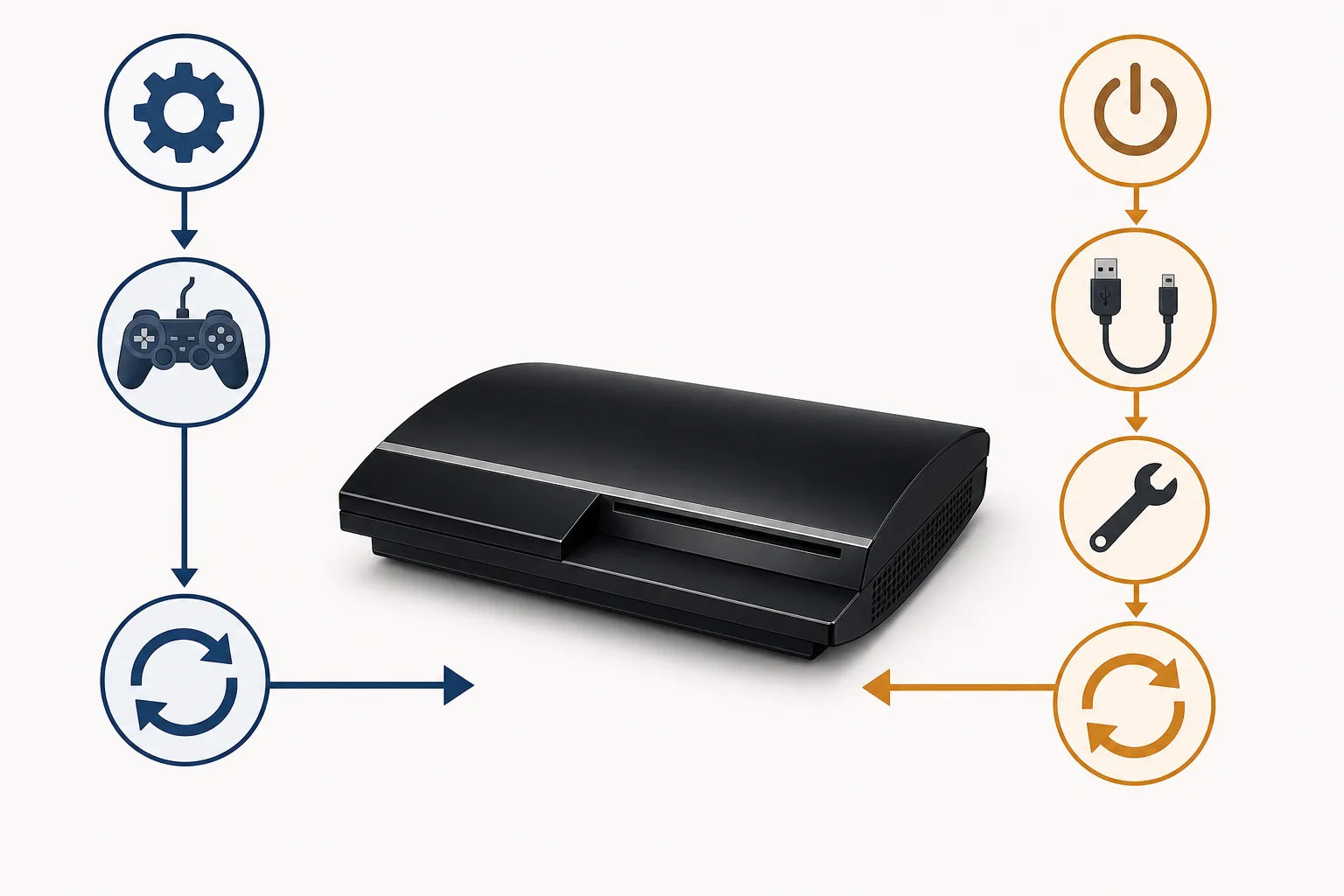
Power the PS3 fully off
Wait for the red standby light.
- 2
Use the two-stage power-button sequence
Hold power until the console turns on and shuts off. Hold it again, release after the quick double beep, then connect the controller by USB.
- 3
Choose option 5
Select Restore PS3 System. This is the destructive reset option.
- 4
Follow the on-screen confirmation
Confirm the format and leave the console powered until setup appears.
What to do after the reset
A factory reset does not downgrade system software. The installed firmware version normally remains in place, but a replacement or unreadable drive may require official PS3 system software from USB.
- 1
Verify system software
Open Settings > System Settings > System Information after setup.
- 2
Install only official firmware when required
The current verified Sony package is version 4.93, PS3UPDAT.PUP, 206,197,916 bytes.
- 3
Restore selected data
Use Backup Utility or copy saved data back only after the system is stable.
- 4
Deactivate before selling when possible
If the console is still accessible before reset, deactivate game and video content for the account.
Common reset problems
Stop and diagnose the underlying issue if the process does not match the normal flow.
| Problem | Next step |
|---|---|
| Controller will not connect | Use a data-capable USB cable, press the PS button, and try another USB port |
| Safe Mode never appears | Repeat the beep sequence from red standby and disconnect unnecessary USB devices |
| Reset is stuck | Allow extra time for Full Format; do not cut power unless the console is clearly unresponsive for an abnormal period |
| System asks for update data | Prepare FAT32 USB folders PS3/UPDATE and use the verified official PS3UPDAT.PUP |
| Drive errors return after reset | Check the internal drive and caddy connection; a failing drive may need replacement |
Restore PS3 System is destructive. This guide cannot guarantee recovery of encrypted, protected, corrupted, or unsynced data.