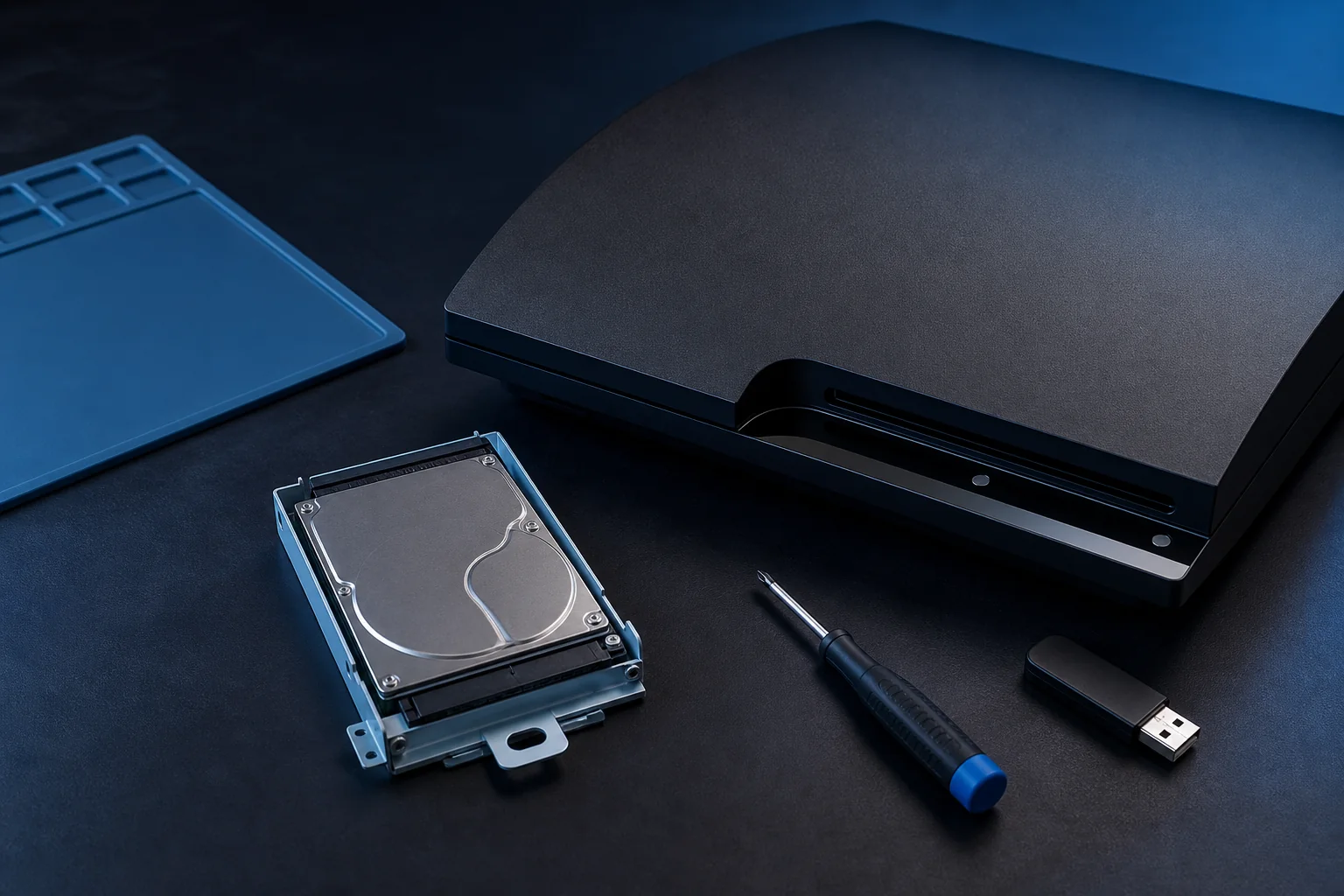
A PS3 uses a user-replaceable 2.5-inch SATA drive. A conventional HDD is inexpensive; a SATA SSD is quieter and can improve menus and some loading times, although the console limits peak speed.
Back up first, fit the new drive in the original caddy, then place PS3UPDAT.PUP in PS3/UPDATE on a FAT32 USB drive. A blank drive normally requires the full reinstall flow.
Which hard drive or SSD fits a PS3?
Use a 2.5-inch SATA drive, 9.5 mm or thinner. A 7 mm SSD also fits when secured in the caddy.
| Requirement | Recommended choice | Why it matters |
|---|---|---|
| Form factor | 2.5-inch SATA | Desktop 3.5-inch drives do not fit. |
| Thickness | 9.5 mm or thinner | A 7 mm SSD fits when mounted correctly. |
| Capacity | 500 GB to 1 TB | This is the low-risk practical range. |
Back up first, fit the new drive in the original caddy, then place PS3UPDAT.PUP in PS3/UPDATE on a FAT32 USB drive. A blank drive normally requires the full reinstall flow.
Back up saves and prepare tools
Synchronize trophies where possible, verify important saves, and keep the old drive until restoration succeeds.
- Use Settings > System Settings > Backup Utility for a broad local backup.
- Copy important saves separately when the game permits it.
- Prepare a Phillips screwdriver, FAT32 USB drive, replacement drive, and controller cable.
Remove the old drive and transfer the caddy
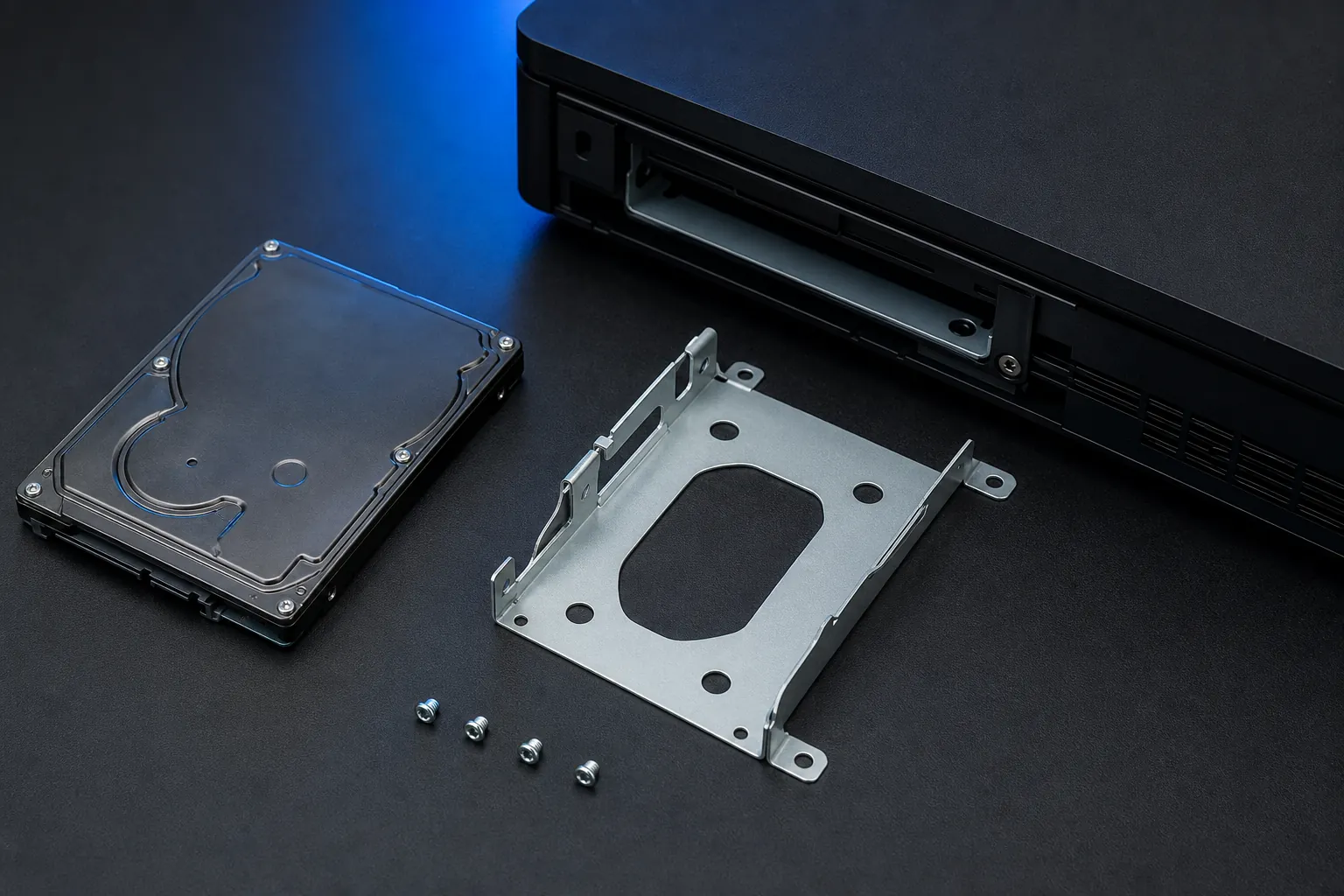
Original, Slim, and Super Slim systems use different covers and tray directions. Never force the caddy.
- 1
Power down completely
Eject discs, unplug power and let the console cool.
- 2
Open the model-specific cover
Remove the retaining screw carefully.
- 3
Transfer the original caddy
Keep connector orientation and install all screws.
Prepare the USB reinstall file
The verified Sony update list still reports 4.9300, released March 18, 2026. Use the exact uppercase folder path.
- 1
Format the USB as FAT32
Avoid exFAT and NTFS for this recovery workflow.
- 2
Create PS3/UPDATE
Use uppercase folders at the USB root.
- 3
Copy PS3UPDAT.PUP
Use the full official file and remove duplicate filename suffixes.
Reinstall PS3 system software 4.93
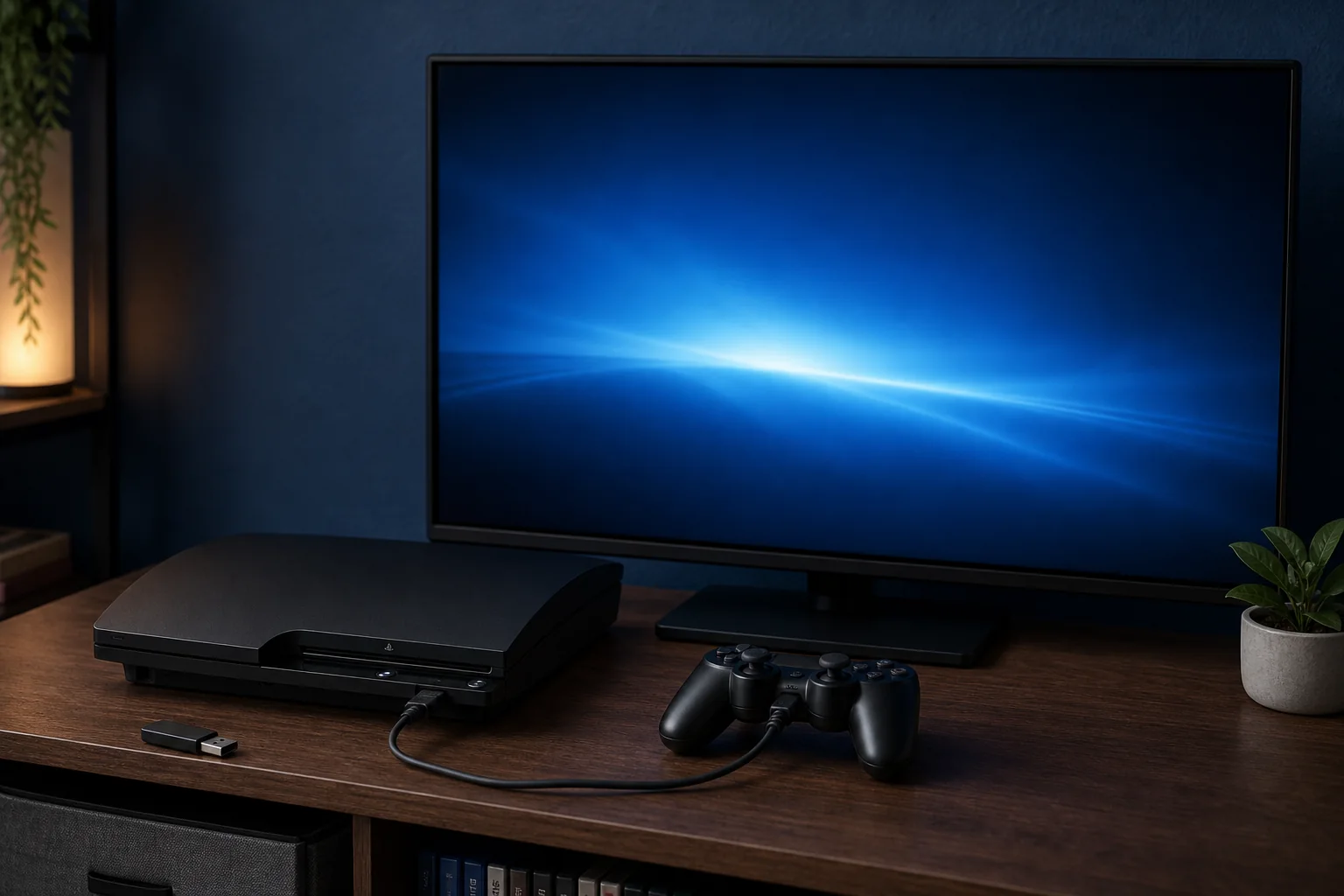
Connect a data-capable controller cable and keep power stable through formatting and every restart.
- 1
Connect USB and controller
Use a controller cable that carries data.
- 2
Follow the recovery prompt
When requested, hold START and SELECT to check the data.
- 3
Allow formatting and installation
Do not interrupt power; restore and test data after setup.
Do not interrupt power; restore and test data after setup.
Fix common replacement problems
Check the simple causes before formatting again.
| Requirement | Why it matters |
|---|---|
| No applicable update data | Recheck FAT32, PS3/UPDATE, filename and official download. |
| Drive not detected | Power off, reseat the caddy and verify orientation. |
| Update loop or corrupted data | Try another USB drive and a fresh official 4.93 package. |