
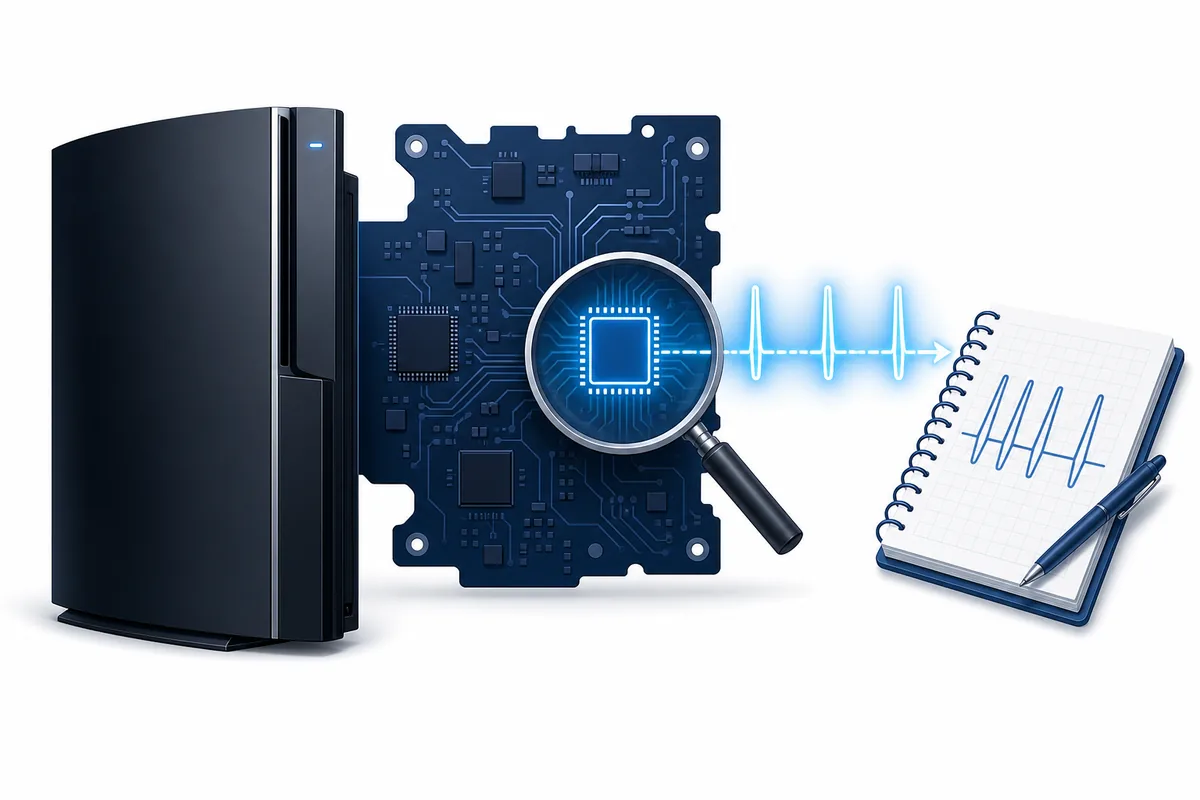
PS3 SYScon error codes are records kept by the console's system controller around abnormal shutdowns and hardware events. The most useful approach is to preserve several recent entries, compare their order and repetition, match them to the exact PS3 model and symptom, and treat any community code table as a diagnostic lead rather than proof that one named component must be replaced.
If the console still reaches the XMB or Safe Mode, first separate a normal system-software, USB, or storage problem from a hardware shutdown. If it powers off, shows YLOD behavior, or repeats the same hardware-level failure after a verified firmware and drive check, stop blind update attempts and move to qualified board-level diagnosis.
What PS3 SYScon error codes actually tell you
SYScon is a controller involved in power sequencing, monitoring, and shutdown behavior. Community repair tools and documented service methods can expose a history of recorded error entries. That history can help distinguish an ordinary software-update problem from a console that is shutting down because a monitored hardware condition failed.
The log is not the same as the message shown on the XMB or in the system updater. A visible update code describes where the user-facing process failed. A SYScon entry is lower-level evidence from the controller. The two can be related, but they should not be treated as interchangeable labels.
One entry can also be old. A console may preserve errors from an earlier repair, overheating event, interrupted power cycle, damaged peripheral, or prior owner. Recent repeated entries that line up with the current symptom are generally more useful than a single isolated historical record.
Do not buy a replacement chip, power supply, Blu-ray drive, Wi-Fi/Bluetooth module, or motherboard part from one code alone. Confirm model, symptom, chronology, repetition, and basic measurements first.
Record the console context before reading the log
A code without context is easy to misread. Build a short evidence sheet first.
- 1
Identify the exact PS3 model
Record the CECH model from the rear label. Board revisions, power systems, wireless modules, and Blu-ray hardware differ between families, so advice for one model may not transfer safely to another.
- 2
Describe the visible symptom
Note whether the console reaches the XMB, enters Safe Mode, shuts off immediately, displays a flashing light pattern, loops in an update, loses video, or fails only when a game or peripheral is used.
- 3
Preserve the recent sequence
Save several recent entries in order instead of copying only the final code. Repetition and sequence can be more informative than the most dramatic-looking value.
- 4
List recent changes
Record a hard-drive replacement, thermal work, liquid exposure, power event, Blu-ray repair, Wi-Fi/Bluetooth fault, firmware update, or previous board repair.
- 5
Separate safe checks from board work
File verification, cable checks, storage tests, and official Safe Mode steps are different from opening the console, probing live rails, soldering, or attaching a serial interface.
How to read a PS3 SYScon log without jumping to a conclusion
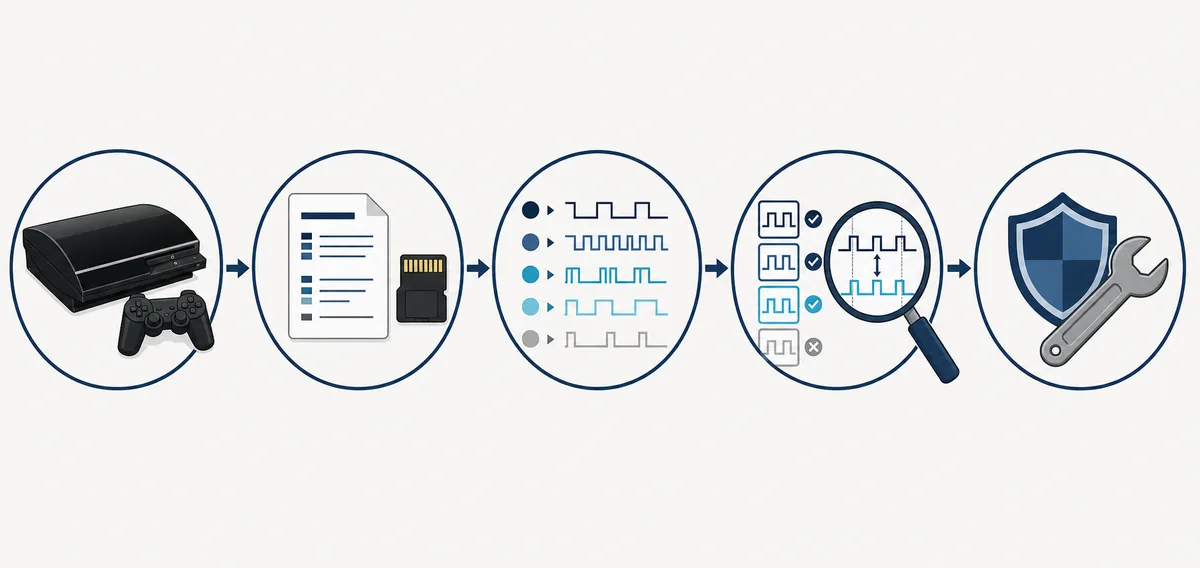
Start with the newest entries and look for a pattern. If the same family appears repeatedly at the same visible moment, that is stronger evidence than unrelated entries spread across months or years. Compare the shutdown timing: before video, during startup, under load, during an update, or after the system becomes hot.
Next, compare the code-family description across more than one community reference. Community documentation changes as repairers collect measurements and board-revision evidence. A description may identify the circuit or monitoring stage that reported a problem, not the root component that caused it. For example, a monitored rail can fail because of the regulator, a shorted downstream component, cracked solder, damaged wiring, corrosion, or a control signal elsewhere.
Finally, test the least invasive explanation that matches the evidence. A console that reads a verified PUP but cannot complete installation may still have storage or peripheral initialization faults. A console that cannot remain powered long enough to reach recovery mode needs hardware diagnosis before another firmware attempt.
Evidence that strengthens or weakens a diagnosis
| Evidence | Useful conclusion | What it does not prove |
|---|---|---|
| The same recent code repeats during the same symptom | The reporting circuit or stage deserves focused testing | That the component named in a community table is definitely bad |
| Several different old codes appear once | The console has a mixed history that needs chronology | That every listed subsystem currently has a fault |
| A verified PUP and healthy USB are detected, but installation stops consistently | The download itself is less likely to be the cause | That firmware can be ruled out without checking storage, version eligibility, and peripherals |
| The internal drive disappears or fails independent tests | Storage is a concrete repair path before board speculation | That a SYScon code should be ignored if shutdown symptoms remain |
| The console shuts off before XMB or Safe Mode | Hardware-level power or monitoring evidence becomes more important | That an online code lookup replaces electrical diagnosis |
Common PS3 error-code mistakes
The first mistake is searching only the last value and ordering a part. Error logs report observed conditions. They do not always identify the original cause. The second mistake is mixing user-facing update errors, blink or beep symptoms, and SYScon entries into one undifferentiated list. Keep each evidence source separate, then look for agreement.
The third mistake is ignoring model differences. A repair post about an early fat model may describe hardware that does not exist in the same form on a later Slim or Super Slim. The fourth mistake is clearing, overwriting, or losing the log before documenting it. Save the raw entries, model, symptom, and date before repairs change the evidence.
The fifth mistake is repeating firmware updates or power cycles when the console fails at the same point. Repetition can turn a recoverable storage or peripheral problem into additional data loss, connector damage, or an incomplete update state.
- Do not treat one code as a guaranteed faulty-part label.
- Do not use a code table from another console model without checking applicability.
- Do not erase or summarize the log before saving the original sequence.
- Do not probe a powered board unless you have the equipment and board-level training.
- Do not download unofficial bypass PUP files to work around a suspected hardware fault.
Decide whether the next page is firmware, storage, or hardware repair
Use the installation and troubleshooting guides when the console stays on, detects storage, reaches the XMB or Safe Mode, and reports a normal update-file, USB-path, download, validation, or recovery-menu problem. Verify the exact 4.93 file size and SHA-256 before assuming the package is damaged.
Use the hard-drive replacement guide when the internal drive is missing, clicking, failing a computer health check, or repeatedly corrupting data. Replacing storage requires official system software on a correctly prepared USB drive, but a new drive will not repair a motherboard or peripheral initialization fault.
Use a qualified hardware repair path when the console shuts down too quickly for recovery, repeats hardware-related SYScon evidence, has liquid or surge damage, or needs live electrical measurements, soldering, BGA work, serial communication, or component-level replacement. This page helps organize evidence; it is not a board-repair procedure.
Official firmware 4.93 was rechecked against Sony's update list and complete PUP on July 20, 2026. Its version, 206,197,916-byte size, SHA-256, MD5, and Sony source were unchanged.
Safe next steps after finding a SYScon code
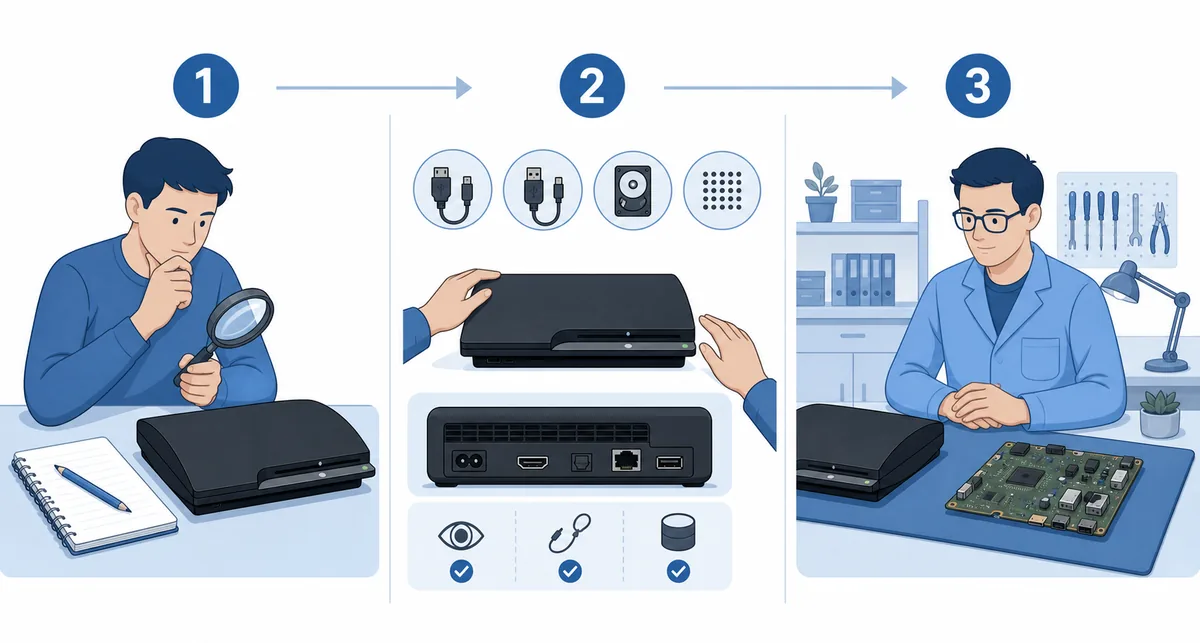
- 1
Save the raw evidence
Keep the full recent log, console model, visible symptom, failure timing, and any update percentage or on-screen code. Photograph labels and connector state before disassembly.
- 2
Complete non-invasive checks
Verify the official PUP when relevant, test known-good cables, inspect removable storage, check ventilation, and use only the Safe Mode option that matches the symptom.
- 3
Compare authoritative community references
Use PSDevWiki, repair documentation, and model-specific evidence together. Note when a source presents a theory, a confirmed measurement, or an unresolved interpretation.
- 4
Define the next measurement
A useful diagnosis names the next safe observation or measurement. It does not simply repeat the code or replace multiple parts at random.
- 5
Escalate hazardous work
Board power tests, serial wiring, soldering, and high-current fault finding belong with a trained repairer using proper isolation, ESD protection, and documentation.
Limits of online SYScon code lists
Most public PS3 SYScon documentation is community research rather than a complete Sony consumer service manual. Definitions can improve, split by board revision, or remain uncertain. Some extraction methods also require opening the console or connecting hardware. Follow the method's electrical and model-specific warnings instead of assuming every reader can safely reproduce it.
A good repair record keeps uncertainty visible. Write down what the code suggests, what evidence supports that interpretation, what competing causes remain, and what test would separate them. If a guide gives a precise component replacement without model, chronology, measurements, or alternative causes, treat that claim cautiously.