
A PS3 firmware 4.92 download is a request for an older official system-software release, not the current version. Sony's support page lists version 4.92 and says its update improves system performance. As checked on November 5, 2026, Sony identifies 4.93 as the latest release. This site does not publish a 4.92 file because it cannot verify an official file URL, exact size, or checksum for that package. For a currently verified official file, use the 4.93 detail page. Do not treat a search result, mirror filename, or matching PUP extension as proof that an older package is genuine.
PS3 firmware 4.92 download: what is confirmed?
The useful answer is a status check, not an unverified download button.
Sony's PS3 system-software support page includes a version 4.92 entry. Its release note is brief: the system-software update improves system performance. That confirms the release existed and describes Sony's stated change; it does not establish that every file now labelled 4.92 online came from Sony or is intact.
The phrase PS3 firmware 4.92 download can refer to a user looking for the old package, checking whether 4.92 is still current, or trying to recover a console that already runs it. Those are different tasks. The firmware archive records 4.92 as a previous, reference-only version. This guide keeps that historical record separate from a downloadable file: there is no verified 4.92 source URL, byte count, or SHA-256 here. A request for a PS3 firmware 4.92 download therefore should not be answered with a guessed CDN address or a mirror presented as official.
What did PS3 firmware 4.92 change?
Sony's public note does not describe a feature-by-feature change list.
The official 4.92 note says that the update improves system performance. It does not name a particular game, menu feature, hardware repair, or compatibility change. Avoid expanding that short statement into claims about faster loading, a new exploit, added features, or a specific security fix unless Sony publishes evidence for that claim.
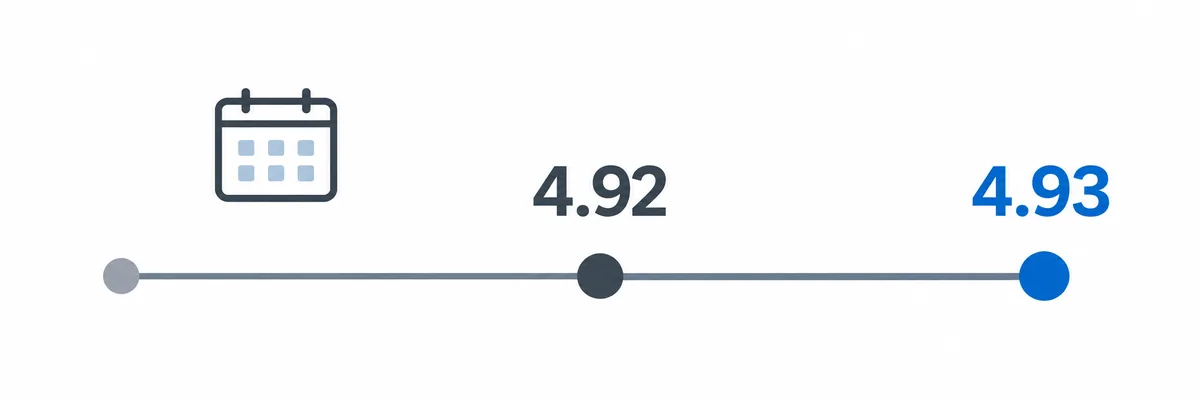
The site's archive records March 5, 2025 as the 4.92 release date, consistent with contemporaneous reporting. The same archive distinguishes this historical entry from version 4.93, which Sony's current support page identifies as the latest version on the date checked for this guide. The graphic below is a simple editorial sequence, not a scale drawing of release timing or a promise that installing an older version is possible.
Why this page does not offer a 4.92 PUP
A download page should publish file facts only when the actual package can be checked.
A familiar name such as PS3UPDAT.PUP is not enough to authenticate a download. A trustworthy file record needs a source that can be tied to Sony, the expected filename, an exact file size, and a checksum calculated from the complete package. For this page, the historical release note is available, but the 4.92 source URL, byte size, and hash have not been verified.
That gap is why this page does not claim that a 4.92 mirror is official, safe, or complete. It also does not infer the old package URL from the 4.93 CDN address. Similar-looking server paths can change, and a guessed link can return an error page, a different update, or an unverified binary. If you need a package today, the site's 4.93 page contains the current verified Sony file facts and the direct source that was checked.
| Version | Status checked | File evidence on this site | Action |
|---|---|---|---|
| 4.92 | Previous release | No verified URL, exact size, or hash | No 4.92 download button |
| 4.93 | Current Sony release on Nov. 5, 2026 | Verified file record on its detail page | Open the 4.93 details |
The absence of a verified 4.92 file record here is not proof that no copy exists anywhere. It means this site cannot responsibly recommend a particular historical binary.
What to do if you need firmware 4.92
Choose the next step according to the device and the reason you need that version.
- 1
Check the installed version
On a working console, open Settings, then System Settings, then System Information. Record the displayed system-software version before changing anything. If XMB is unavailable, use the relevant recovery guidance rather than guessing from an old download filename.
- 2
Decide whether an older release is required
For ordinary console use, compare your situation with Sony's current update guidance. A historical version label alone is not a reason to reinstall or downgrade, and this page does not promise that a PS3 can move backward to 4.92.
- 3
Use a verifiable source
If you need current official firmware, follow the verified 4.93 detail page or Sony's support instructions. If you are researching 4.92, keep the citation and file provenance with the research record instead of substituting an unverified mirror.
- 4
Follow the correct installation path
A physical console and RPCS3 use different workflows. Read the console installation guide or the RPCS3 firmware installation guide before applying any package.
How to check a PS3 update file before use
A checksum helps compare bytes; it does not turn an unknown source into an official one.
Start at the source, not at the filename. Open the Sony support page or a verified version detail page and confirm which release its link serves. Save the complete package as PS3UPDAT.PUP only when following the documented console USB procedure. Do not rename an arbitrary file to that name, extract the PUP with a general archive utility, or trust a browser page that happens to use the expected extension.
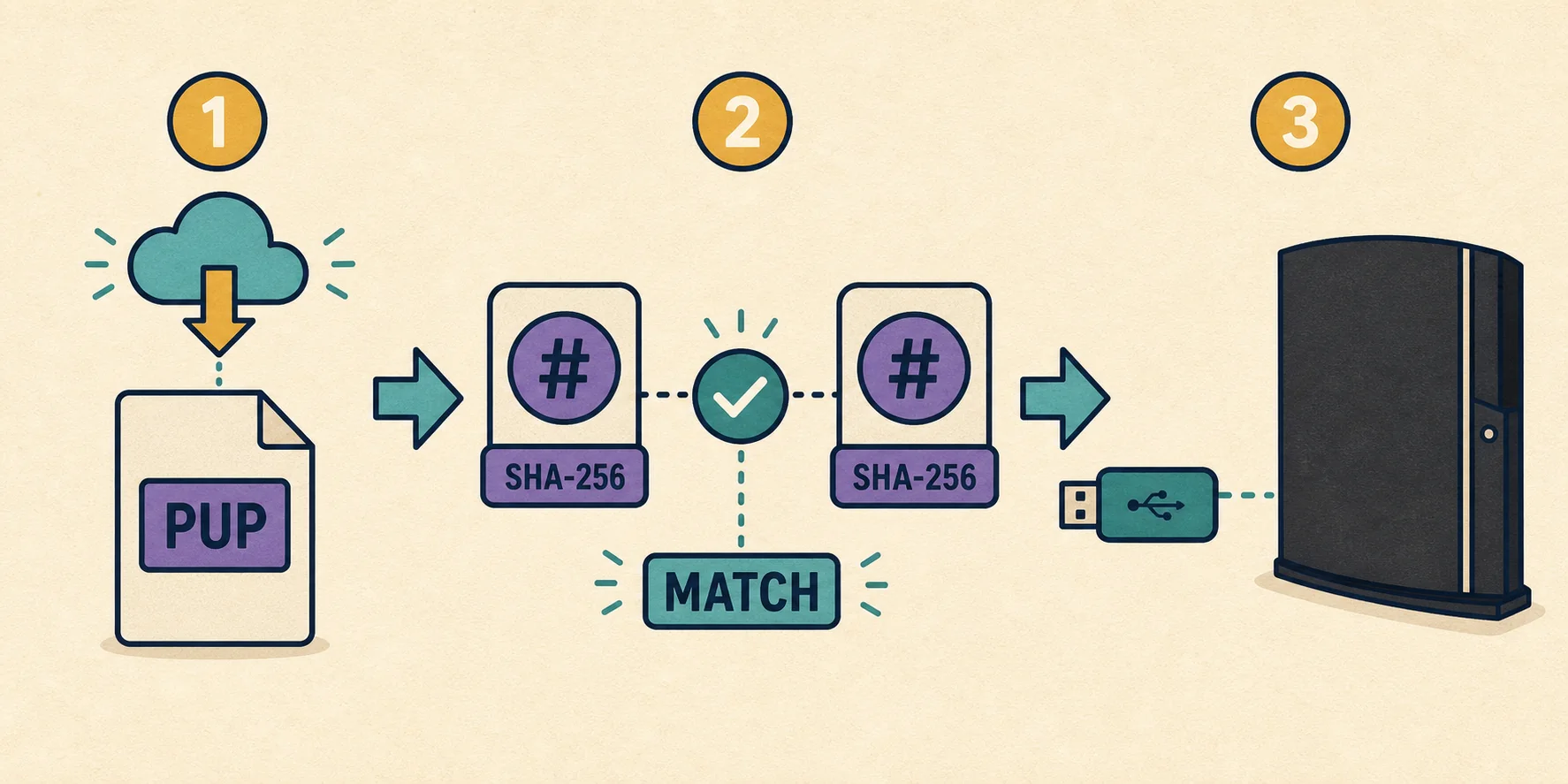
When the source page publishes a SHA-256, calculate the hash of the downloaded file and compare all characters. Check the exact byte size as well; rounded values such as 196 MB can hide an incomplete transfer. A matching checksum proves that the local bytes match the published reference, not that an unknown publisher is authorized or that a package can downgrade a particular console. For 4.92, this site has no verified expected hash to compare. The workflow illustration below applies to a release with published file evidence, such as the current verified 4.93 record.
PS3 console and RPCS3 are different use cases
The right instructions depend on where the system software will be installed.
A physical PlayStation 3 can update through its system menu or the documented USB route. Sony's standard USB procedure uses a FAT32 drive and the folder path PS3/UPDATE/PS3UPDAT.PUP. That describes where a verified package goes; it is not evidence that a particular 4.92 file is available. Read the full console update instructions before starting, especially when the system requests a reinstall or displays an error.
RPCS3 imports official PS3 system software through the emulator's firmware installation command. It does not use the console's PS3/UPDATE USB folder, and the firmware package is not a PS3 BIOS download. If your goal is emulator setup, use the dedicated RPCS3 guide and follow its current compatibility instructions rather than selecting an older version because a mirror advertises it.
- Console USB updates use the documented PS3/UPDATE folder path.
- RPCS3 imports a PUP through its own firmware installation workflow.
- Neither workflow makes an unverified 4.92 package trustworthy.